
Independent design. Practical detail.
How our online kitchen design process works
Our online kitchen design process takes you from the first conversation to a considered layout, detailed 3D renders and drawings to discuss with your fitter.
From a room layout to a detailed kitchen view
The drawing explains the arrangement. A render helps you judge how the proposed kitchen will look within the room.
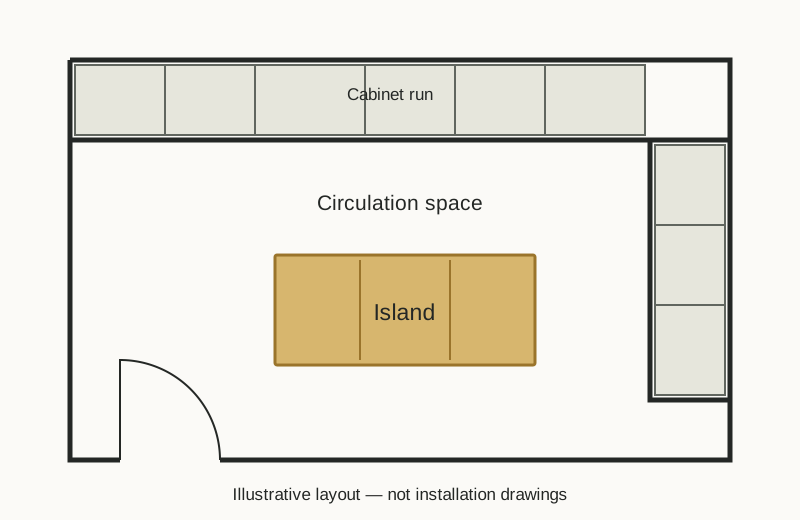
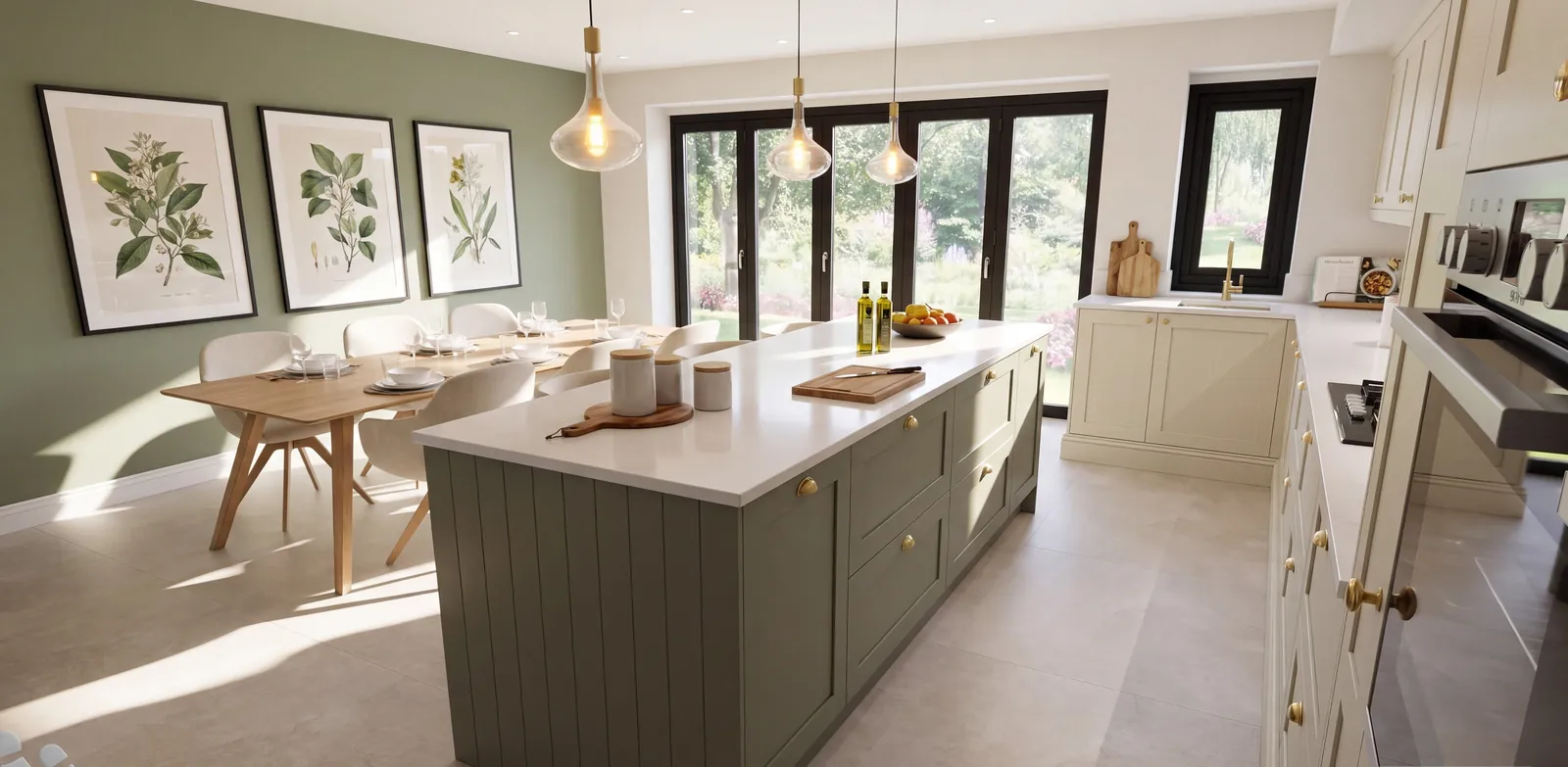
We develop the plan around your actual room information, then use renders and revisions to explore the detail. Your final pack includes a fitter’s floorplan and wall elevations to discuss with your installer.
1. Start with a free phone conversation
Tell us whether you are replacing an existing kitchen, planning building work or developing a layout you already have. Discuss your intended supplier, the room and the decisions you need help with.
We explain the service and which package suits your project before paid work begins. Mention any intended ordering date so current availability can be discussed.
2. Gather your room measurements and photographs
Send the information needed to describe your room: wall lengths, doors, windows, ceiling heights, fixed features and known service positions. Photographs and architectural drawings help explain the space.
Use our kitchen design measurements checklist to prepare. Identify proposed building changes and any dimensions that are still uncertain. Final site measurements and installation requirements should be verified by your fitter before ordering.
3. Develop your kitchen layout
Work through storage, preparation space, appliances, seating and movement around the room. An island is considered alongside the space people need to use it; tall cabinets are considered alongside worktop and the wider view.
Where the kitchen opens into a dining or living area, those relationships matter too. The aim is an arrangement that suits the room and the way you use it.
4. Explore the renders and refine the design
Detailed 3D renders help you judge the proposed kitchen before buying it. Discuss finishes, proportions and the relationship between the kitchen and the surrounding space.
Both packages include unlimited design revisions within the agreed kitchen project. If the room or brief changes substantially, discuss the scope before further work starts.
5. Review your fitter’s floorplan and wall elevations
Once the design is agreed, review the design information with the people responsible for installation. The floorplan shows the arrangement; wall elevations explain how the design sits along the walls.
Renders illustrate appearance. They do not verify on-site dimensions, installation requirements or how colours will look in your home. Check physical samples and relevant product specifications before purchasing.
6. Add DIY Kitchens basket creation if required
The £299 Kitchen Design package covers the design, renders and drawings. The £399 Design + DIY Basket package adds basket creation from the approved design, with basket revisions within the agreed project.
Read about DIY Kitchens basket creation or compare the design packages. You review the order and purchase from the supplier directly; kitchen products and fitting are separate purchases.
How long does the online kitchen design process take?
Timescales depend on the room, the information supplied, revisions and current availability. We discuss your project rather than promising a fixed turnaround for every kitchen. Allow time for design decisions and your fitter’s checks before an ordering deadline.
Your next step
Let’s talk through your kitchen.
Start with a free phone conversation. Tell us about your room, your ideas and where you need help.